Picture tomorrow morning: the reception computer will not start. The patient database, this month’s bills and the appointment list were all on it. Patients are already waiting. For many small clinics, that is one hard-disk failure, theft, power surge or ransomware attack away. This post explains where your data really lives, how to back it up properly, what changes with a cloud EMR, and how to write a recovery plan that fits on one page.
The Morning the Computer Does Not Start
Ask yourself three questions about that morning:
- Can we keep seeing patients today? Do staff know who is booked, and do doctors have access to histories?
- Can we get the data back? When was the last copy made, where is it, and has anyone ever restored from it?
- What did we lose? Everything since the last backup is gone unless it was recorded somewhere else.
If the honest answers are "not really", "we are not sure" and "a lot", this is worth an afternoon of your time. Losing records also creates continuity-of-care problems and can leave you short of the records you are expected to keep.
Where Your Clinic Data Actually Lives
Before planning backups, list every place patient and business data sits. In a typical small clinic that includes:
- clinic software installed on a desktop, or a cloud EMR;
- billing or accounting software, and spreadsheets;
- scanned reports, X-ray and scan images, and documents in folders;
- phones with WhatsApp chats and photos of reports (see our post on WhatsApp and patient communication);
- email inboxes with lab results;
- paper files and registers.
Each needs a backup answer, or a decision to move it into a system that already has one.
The 3-2-1 Rule, Adapted for a Clinic
A long-standing rule of thumb in IT is 3-2-1: keep three copies of important data, on two different types of storage, with one copy away from the premises. For a clinic running local software, that could look like:
- the live data on the clinic computer;
- an automatic daily backup to an external drive or a small network storage device;
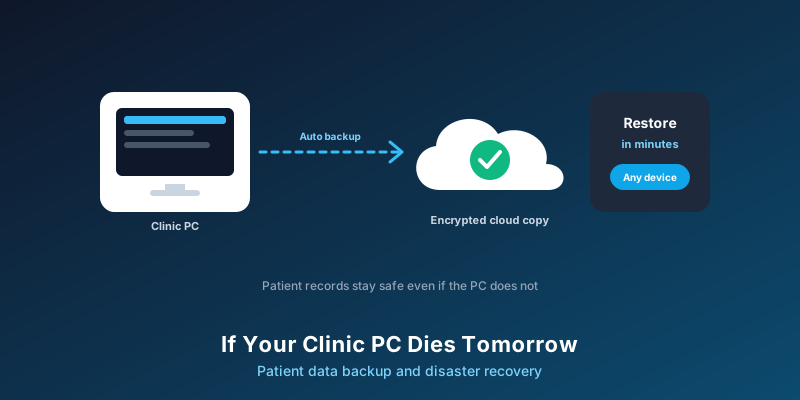
- an encrypted copy sent to a reputable cloud backup service, or a drive taken off-site regularly.
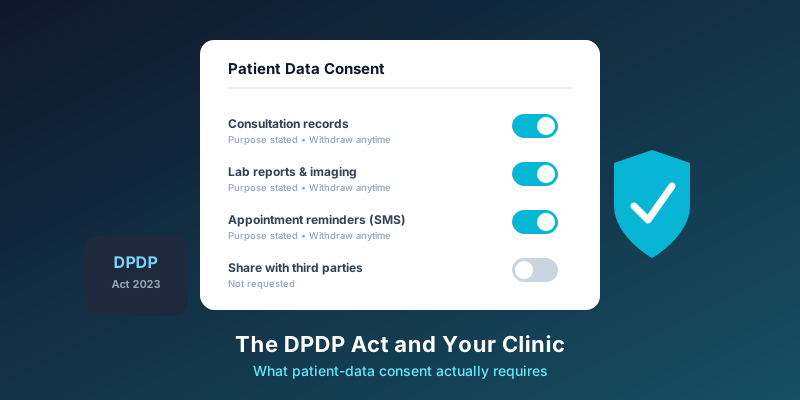
Two details matter. First, encrypt backups, because a lost drive full of patient records is a data breach. Second, keep at least one copy disconnected or versioned, because ransomware can encrypt any drive that is permanently plugged in. Under the DPDP Rules, backups are listed among the security safeguards expected of organisations handling personal data; our guide to DPDP consent for clinics explains the wider obligations.
Local Software vs. Cloud EMR: What Changes
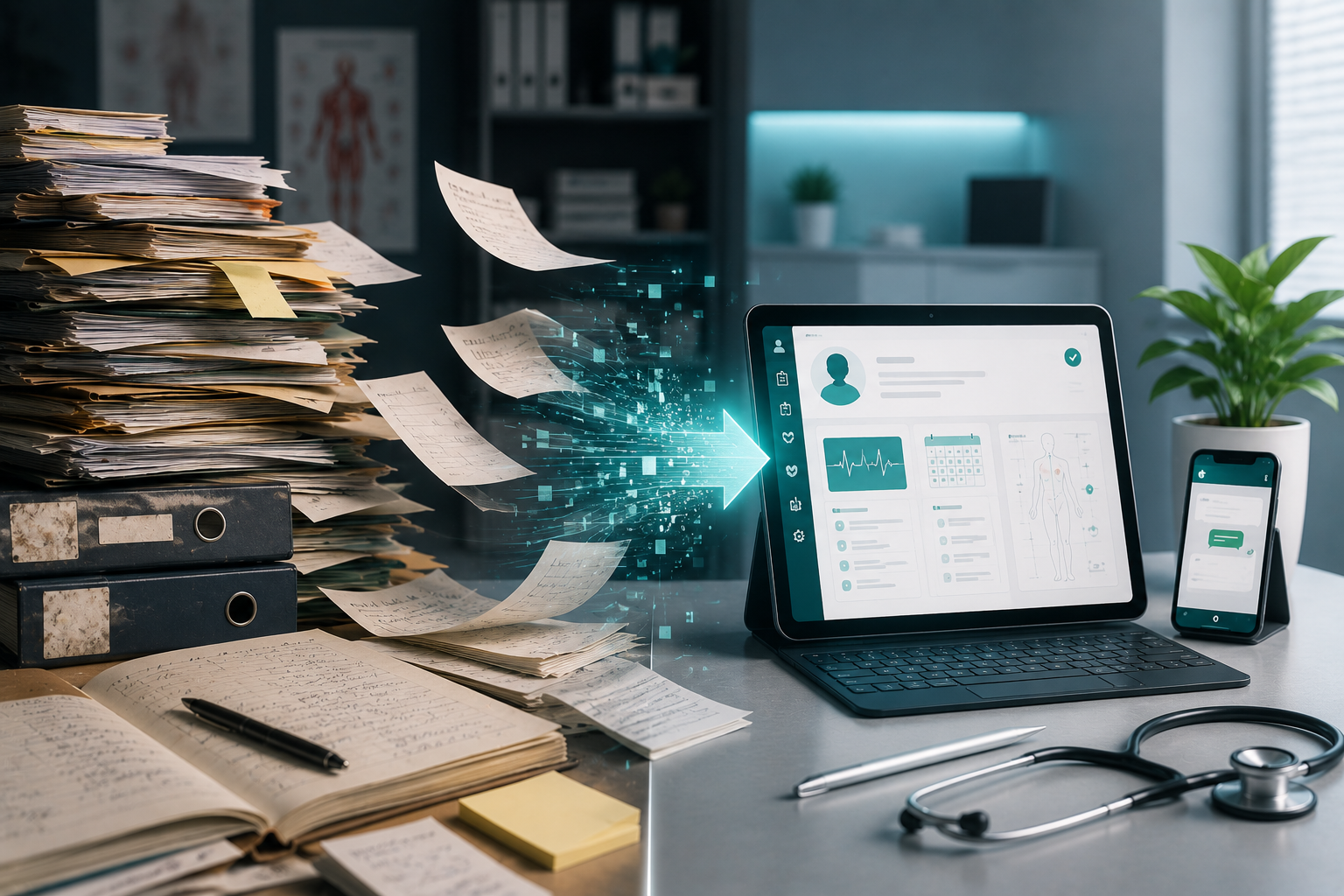
With software installed on one computer, backup is your job, and it is only as good as the last person who checked the drive. With a cloud EMR, records are stored on the provider’s servers rather than the clinic machine. If a computer fails, you can log in from another device and keep working. The responsibility shifts from "did we copy the drive?" to "does our provider back up properly, and can we get our data out?"
Cloud is not a reason to stop thinking about recovery. You now depend on an internet connection and on your provider, so plan for both. A second connection, such as a mobile hotspot, is a cheap safeguard for internet outages.
MedHive Pro is cloud-based, so clinic data can be accessed from any device rather than living on a single desk computer, and it is protected with encryption. Ask us, as you would any vendor, the questions below.
Questions to Ask Your Software Provider
- How often is my data backed up, and how long are backups kept?
- Where are the servers and backups located?
- If something goes wrong, how far back could data be restored, and how long would restoration take?
- How often do you test restoring from backups?
- Can I export all my records in a usable format, and what happens to my data if I cancel?
- How will you tell me about an outage or a breach?
Get the answers in writing. Our EMR buyer’s checklist has more questions for before you sign.
Write a One-Page Recovery Plan
Keep it printed at reception, and make sure at least two people know where it is:
- Who to call: your IT person, your software provider’s support line and your internet provider.
- Paper fallback kit: blank registration slips, prescription pads and a bill book, so the day can continue. Enter everything into the system once it is back.
- Today’s list: with a cloud system, a second device or phone that can open the schedule. With local software, a printed or exported appointment list from the night before.
- Ransomware steps: disconnect the affected computer from the network, do not pay or negotiate on your own, and get professional help. India’s CERT-In handles cyber incident reporting; check the current reporting requirements.
- Theft or loss: change passwords, sign the lost device out of all accounts, and assess whether patients or the Data Protection Board need to be told.
Test Before You Need It
A backup you have never restored is a hope, not a plan. Every few months:
- restore a backup to a spare computer, or ask your provider to show you a restore, and check that recent records are there;
- check that the automatic backup is actually running, by looking at the date of the latest copy;
- run a short drill: on a quiet afternoon, work for thirty minutes as if the main computer were down.
Frequently Asked Questions
Is a pen drive backup enough?
It is better than nothing, but a single unencrypted pen drive kept next to the computer fails in exactly the situations you are planning for: theft, fire and ransomware. Add an off-site, encrypted copy.
Should we keep scanning paper records?
Scanning old files into the patient record makes them part of your backed-up data. Check which original documents your state or speciality expects you to retain before discarding any paper.
Is cloud storage allowed for patient records in India?
Many clinics use cloud systems. Ask where your provider stores data, and check the current DPDP Rules and any sector-specific guidance on data location and safeguards.
Records That Do Not Live on One Desk Computer
MedHive Pro is cloud-based, so your clinic can keep working from another device when a computer fails.