EMR on Mobile — What to Expect When You're Consulting on the Go
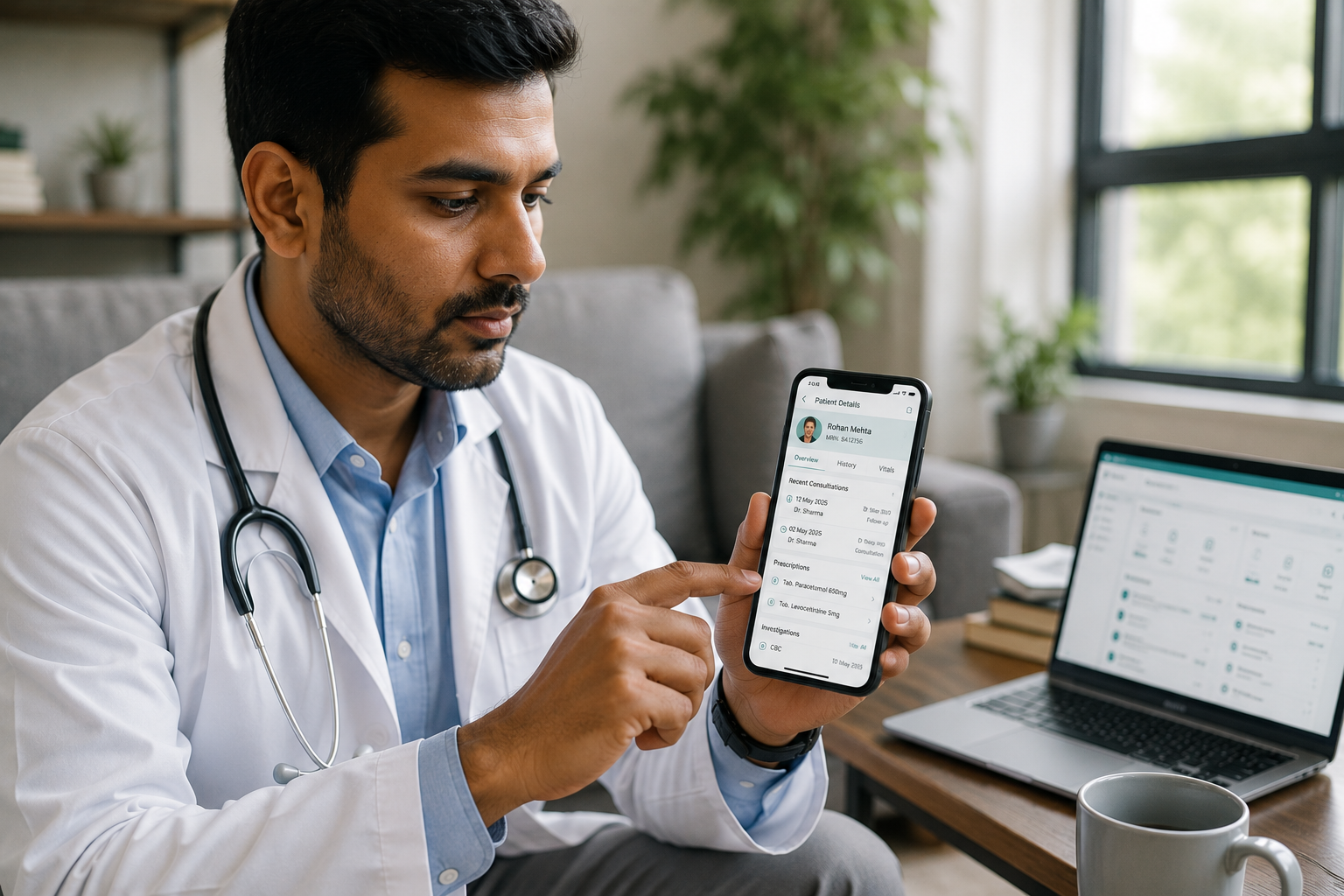
Mobile EMR is no longer a convenience feature — it's a core requirement for doctors who consult across multiple locations, manage teleconsultations, or simply need reliable access to patient data beyond the walls of a clinic. But not all mobile EMR experiences are created equal. Here's what good actually looks like — and what to look for before you commit to a platform.
01 · THE NECESSITYWhy Mobile EMR Is No Longer Optional
Indian doctors increasingly consult across multiple touchpoints — two clinics, home visits, hospital rounds, teleconsultations. An EMR that only lives on a desktop in one location is a liability, not an asset.
A well-built mobile EMR means patient history, prescriptions, and appointment schedules travel with the doctor — securely, on any device. The key word is well-built. A rushed mobile port of a desktop EMR will frustrate more than it helps.
02 · KEY FEATURESWhat a Good Mobile EMR Should Actually Do
A capable mobile EMR covers four non-negotiables — and MedHive is built to meet each one:
03 · PRO TIPS5 Tips for Getting the Most Out of Mobile EMR
-
1Set up biometric login on day one. It takes 30 seconds and removes the biggest friction point — typing passwords between patients.
-
2Use the mobile app for quick notes, not full documentation. Capture the key points on the go; complete structured notes at the desktop when time allows.
-
3Check appointment sync before leaving a clinic. Confirm your next location's schedule has updated — especially after last-minute bookings or cancellations.
-
4Enable e-prescription notifications. Patients receive their prescription via SMS or WhatsApp the moment you send it — no printing, no delays.
-
5Keep your app updated. Mobile EMR apps push security patches and UX improvements regularly. An outdated version can miss critical features or create sync issues.
📱 Mobile EMR Readiness Checklist
Before You Go Live:
- ✅ Biometric or OTP login configured on your primary device
- ✅ Desktop and mobile views tested for sync accuracy
- ✅ E-prescription flow tested end-to-end on mobile
- ✅ Appointment calendar linked across all clinic locations
- ✅ Patient history accessible with correct permissions on mobile
- ✅ Staff roles configured so only doctors access clinical data on mobile
Frequently Asked Questions
Can I access my patients' full records on mobile, not just a summary? +
Yes — a good mobile EMR like MedHive gives you the complete patient record on your phone: visit history, diagnoses, prescriptions, lab reports, and doctor notes. The mobile view is optimised for quick scanning, not stripped of content.
Is it safe to use an EMR app on my personal phone? +
It is, provided the app uses secure login (biometric or OTP), encrypts data in transit, and stores data on compliant Indian servers. MedHive uses all three. The golden rule: never leave the app open and unattended, and always log out if sharing your device.
What happens if I lose internet connection mid-consultation? +
This depends on the EMR. Some platforms support offline access with a sync-on-reconnect model. If your EMR doesn't support offline use, the practical workaround is to load the patient's record before entering a low-signal area — most EMRs cache recently viewed records.
Can my receptionist at Clinic A see appointments I book from my phone at Clinic B? +
Yes — this is one of the core benefits of real-time device sync. Any appointment created or modified on your phone reflects immediately across all clinic logins. There's no need to call ahead or send a message; the calendar updates live.
Do patients receive e-prescriptions differently when sent from mobile vs desktop? +
No — the delivery mechanism is identical. Whether you prescribe from a phone or a desktop, the patient receives the same formatted e-prescription via SMS or WhatsApp. The channel doesn't change the output.
Your clinic, in your pocket — with MedHive
MedHive's mobile EMR is built for Indian doctors who move. Prescribe, view records, and manage appointments — from anywhere, on any device.
Transform your practice today
Join thousands of modern clinics utilizing MedHive to automate and grow.
Book a Demo